


Built for business-scale adoption

Make analytics easier for every business team, not just trained dashboard experts.


FineBI helps teams preserve critical Tableau workflows, reduce analytics complexity, and scale governed self-service BI across business teams, while preparing for the AI-native future of analytics.
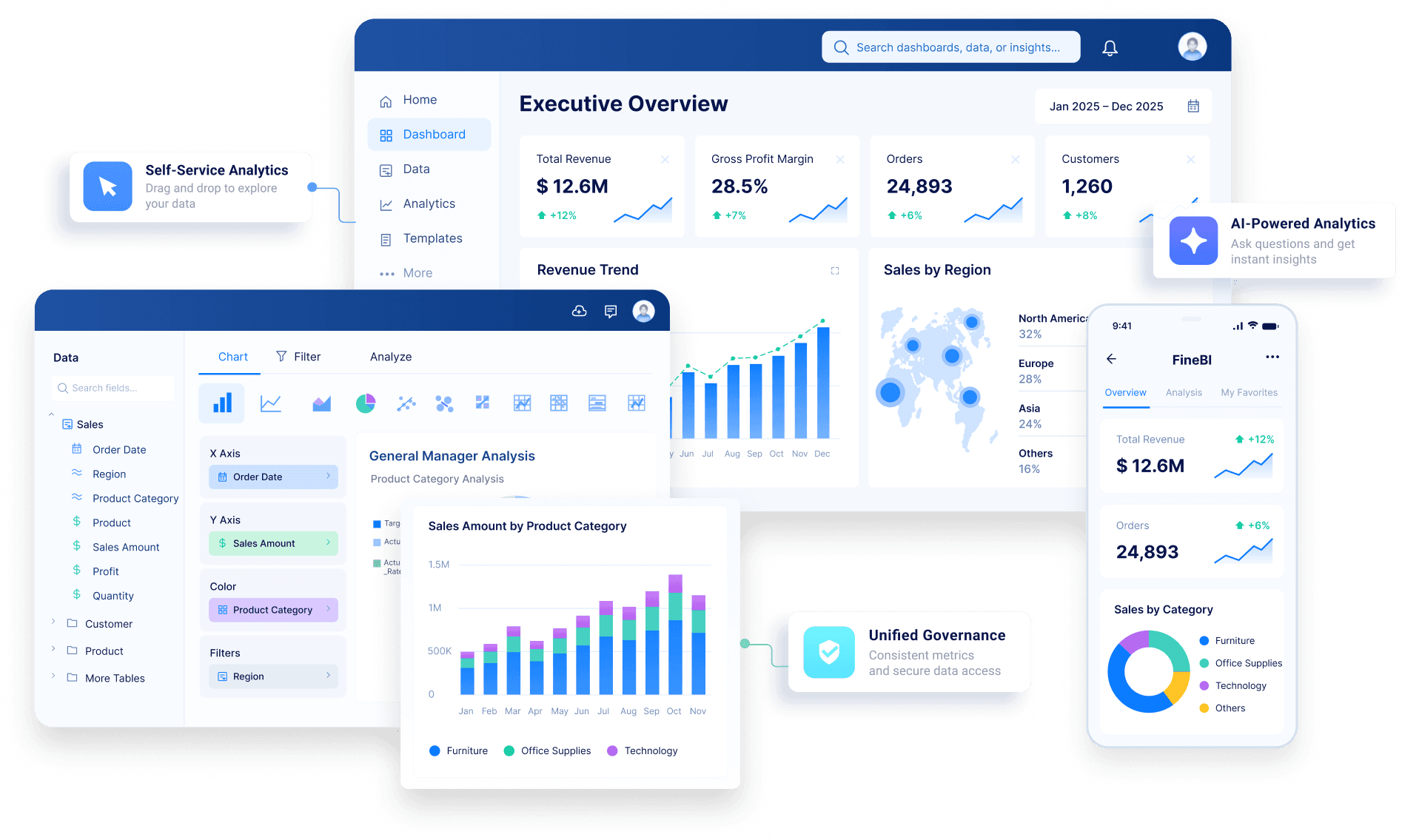
Make analytics easier for every business team, not just trained dashboard experts.
Make analytics easier for every business team, not just trained dashboard experts.
Replace what matters first. Validate results. Roll out team by team.
Scale analytics access with a simpler operating model and lower adoption overhead.
Turn isolated analysis into governed, collaborative business workflows.
Move from dashboard-first BI to analytics built for the AI-native era.
helped enterprises build powerful dashboards. But as analytics expands beyond expert users, dashboard-first BI creates new friction: high learning costs, analyst dependency, complex maintenance, rising TCO, and slow answers for business teams.
gives Tableau users a practical migration path: preserve the analytics workflows that matter, make self-service easier for business teams, keep governance in place for IT, and prepare the organization for the AI-native era.
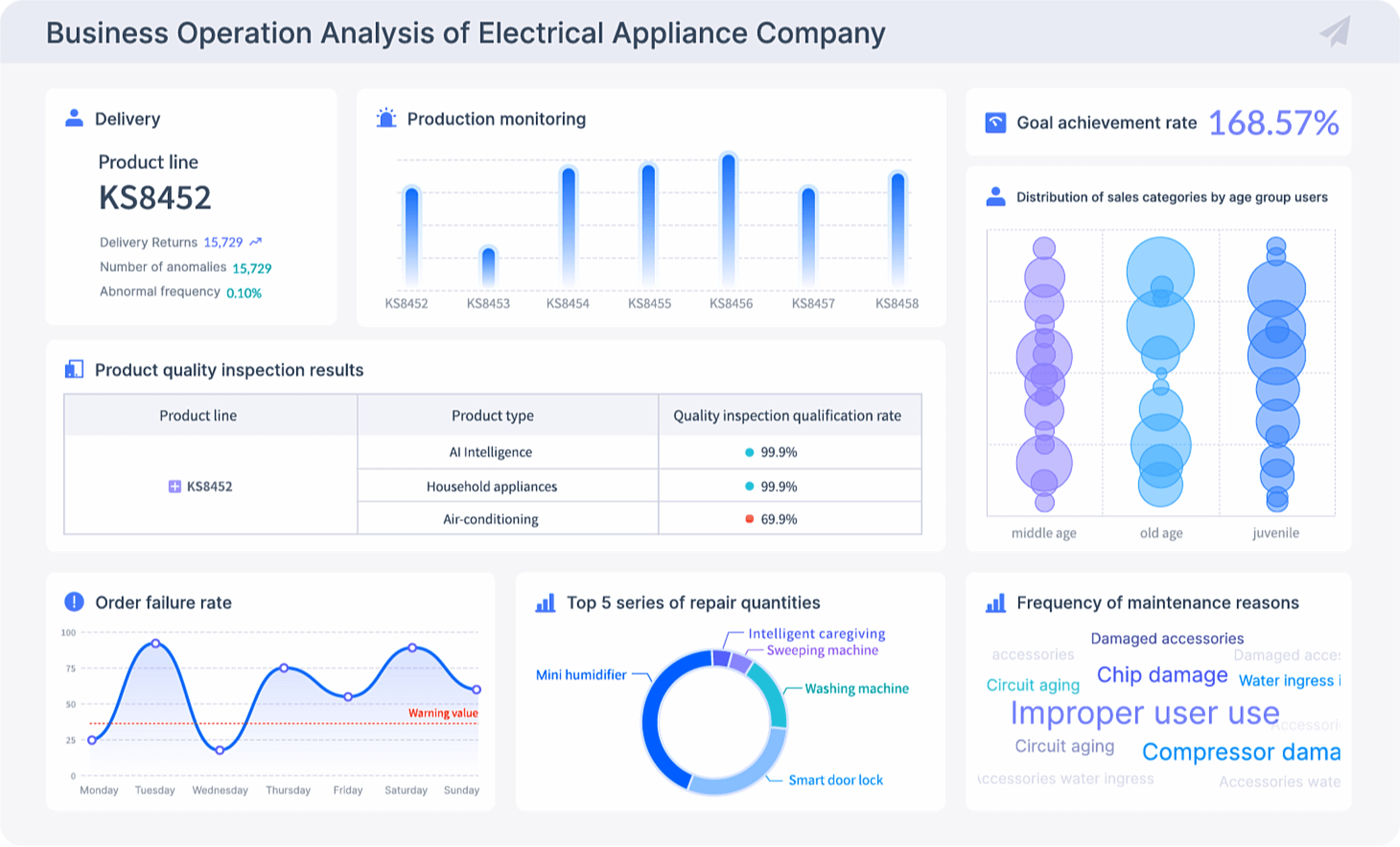
Keep the workflows that matter.
Support the Tableau scenarios teams care about most: dashboards, data prep, calculated metrics, permissions, sharing, mobile, collaboration, and embedding.
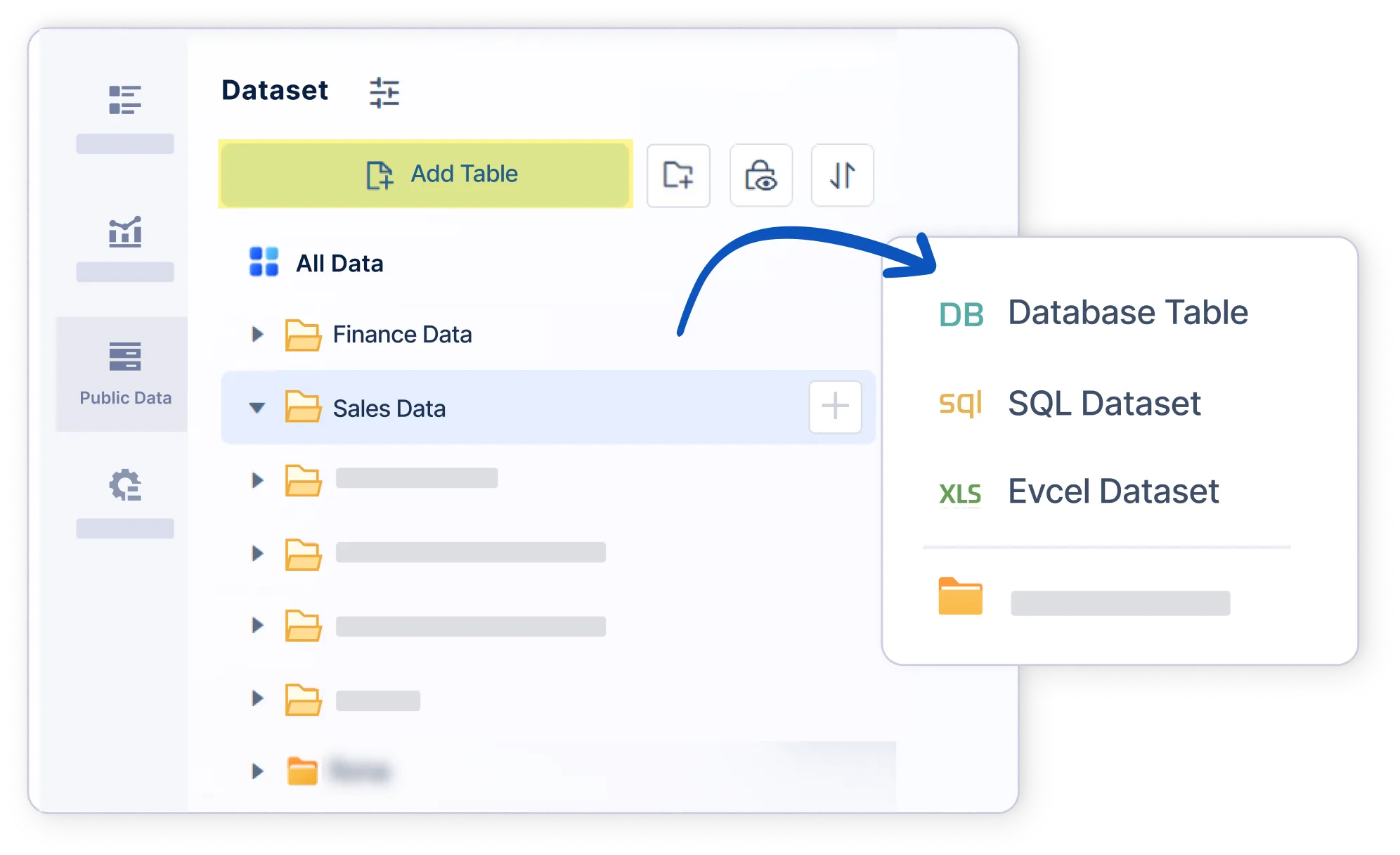
Keep the workflows that matter.
Support the Tableau scenarios teams care about most: dashboards, data prep, calculated metrics, permissions, sharing, mobile, collaboration, and embedding.
Make analytics easier for more.
Tableau remains strong for expert analysis. FineBI helps more business users get started faster, with less analyst dependency and fewer IT bottlenecks.
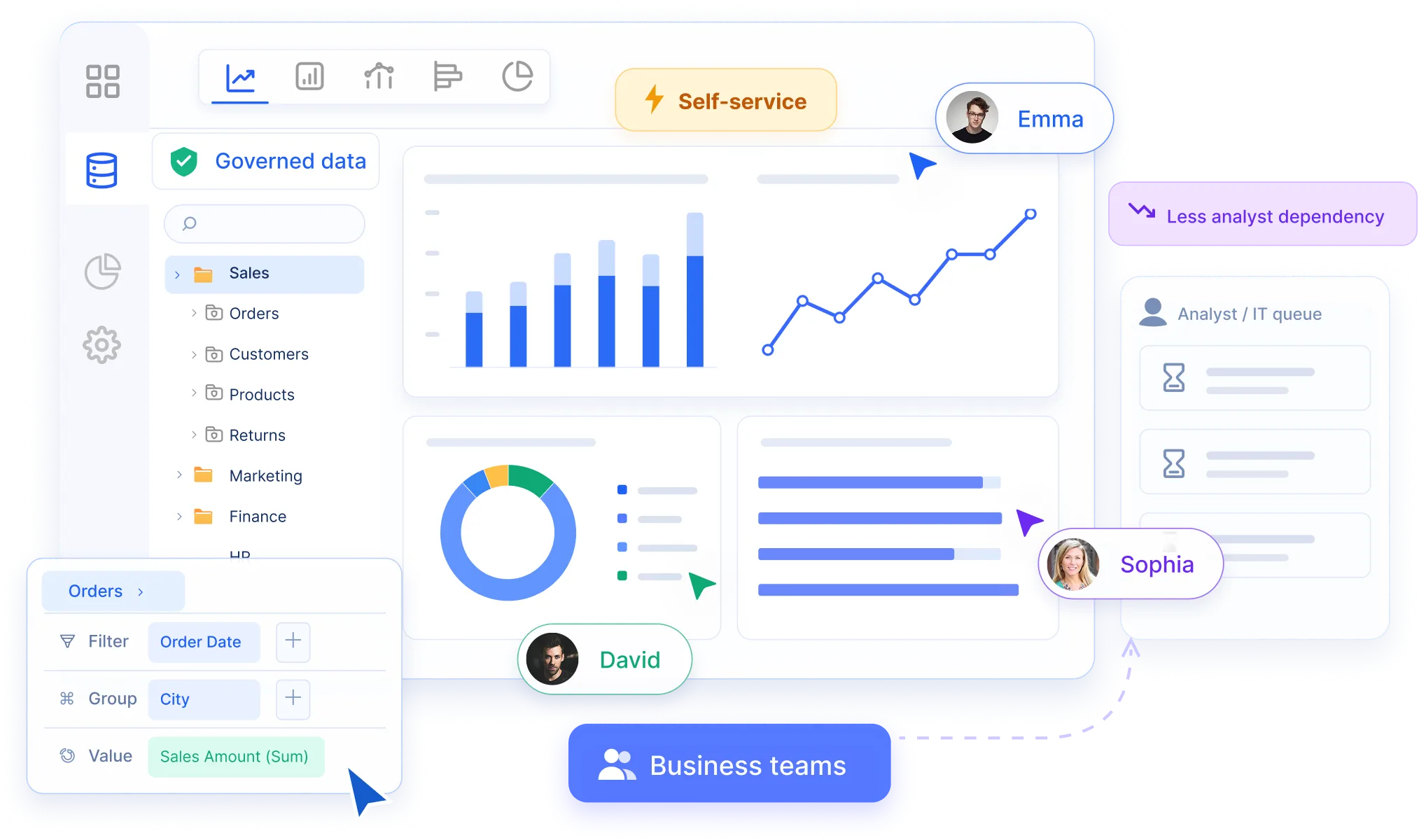
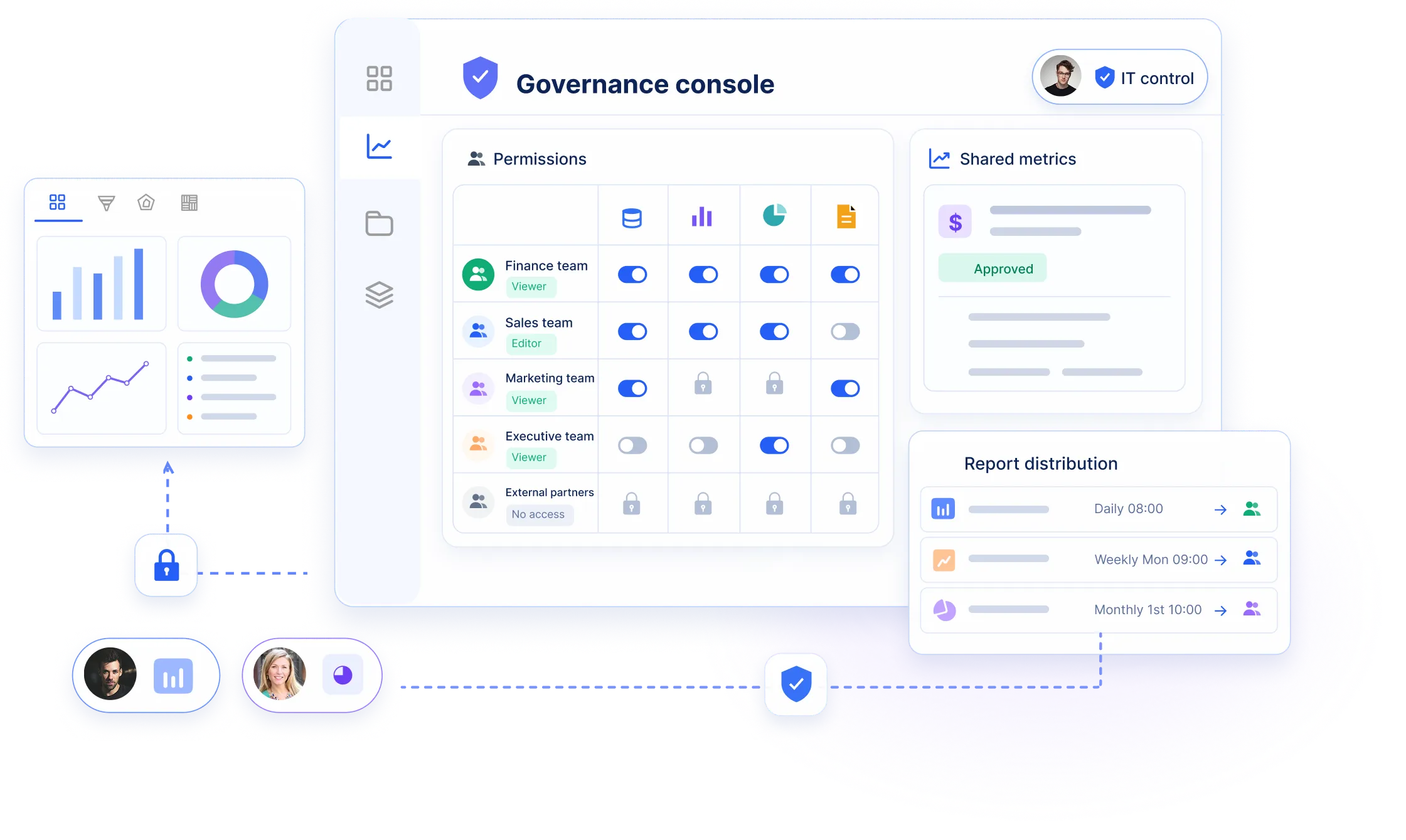
Self-service without losing control.
Give business teams autonomy while IT keeps data access, permissions, shared definitions, report distribution, and collaboration under control.
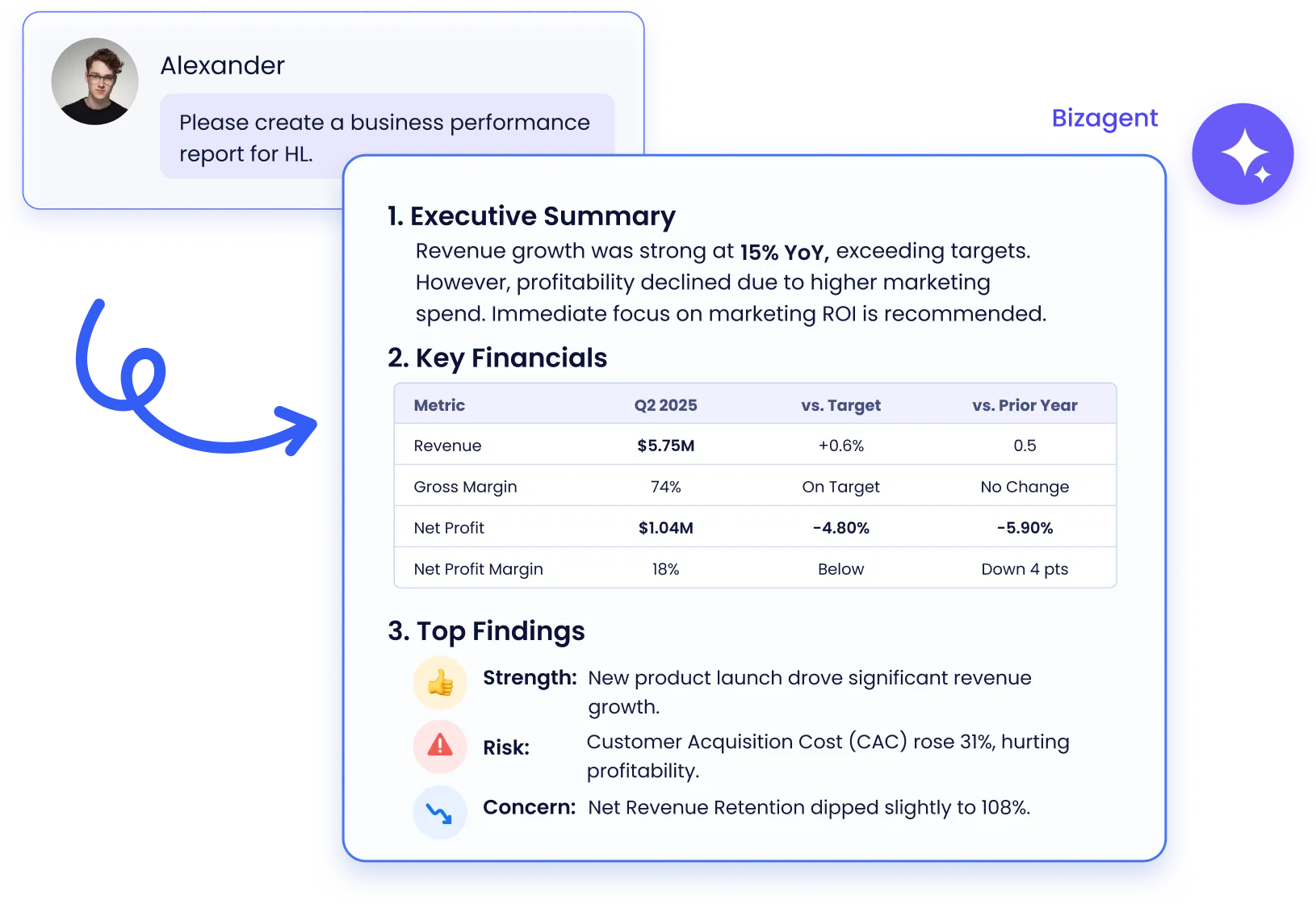
Move from dashboard consumption to AI-powered analysis.
Bring BI into a workflow where teams ask questions, generate insights, automate reports, and move decisions forward with AI assistance.
| Features | FineBI | Tableau | Why It Matters |
|---|---|---|---|
| Business-scale adoption | Governed self-service designed for business teams to explore, build, share, and repeat analytics workflows with a lower learning curve. | Powerful for expert creators and advanced visualization, but broader adoption often depends on trained analysts and dashboard owners. | This affects how widely analytics can be used across departments without increasing the request load on specialists. |
| Governed self-service | Business teams get autonomy while IT keeps control of data access, permissions, shared definitions, report distribution, and collaboration. | Enterprise governance is mature, but dashboard sprawl, workbook ownership, and distributed creator practices can increase operating load. | Governance determines whether self-service can scale without inconsistent metrics, uncontrolled access, or manual handoffs. |
| Operating overhead | A simpler adoption model helps scale analytics access while reducing training burden, request queues, maintenance effort, and rollout friction. | Advanced capabilities can require more creator training, governance administration, and ongoing maintenance as usage expands. | Operational effort is part of total cost: training, administration, maintenance, and support all affect long-term BI scalability. |
| AI-ready analytics workflow | FineBI and Dora move users beyond dashboard consumption toward asking questions, generating insights, automating reports, and taking action. | Tableau AI capabilities are evolving, but the experience can remain tied to dashboard-first consumption and Salesforce-centered workflows. | Teams evaluating BI replacements often need a path from static dashboard consumption to more interactive and AI-assisted analysis. |
| Collaboration and distribution | Shared spaces, report distribution, permissions, mobile access, and team workflows help turn analysis into recurring business decisions. | Strong dashboard sharing, but collaboration can stay centered on viewing and maintaining dashboards rather than business workflow execution. | Distribution and collaboration affect whether insights become part of daily reviews, follow-up actions, and cross-team workflows. |
Prototype note: replace claims with final verified product proof points before publication.
Explore practical guides and insights for your BI journey.
 Featured
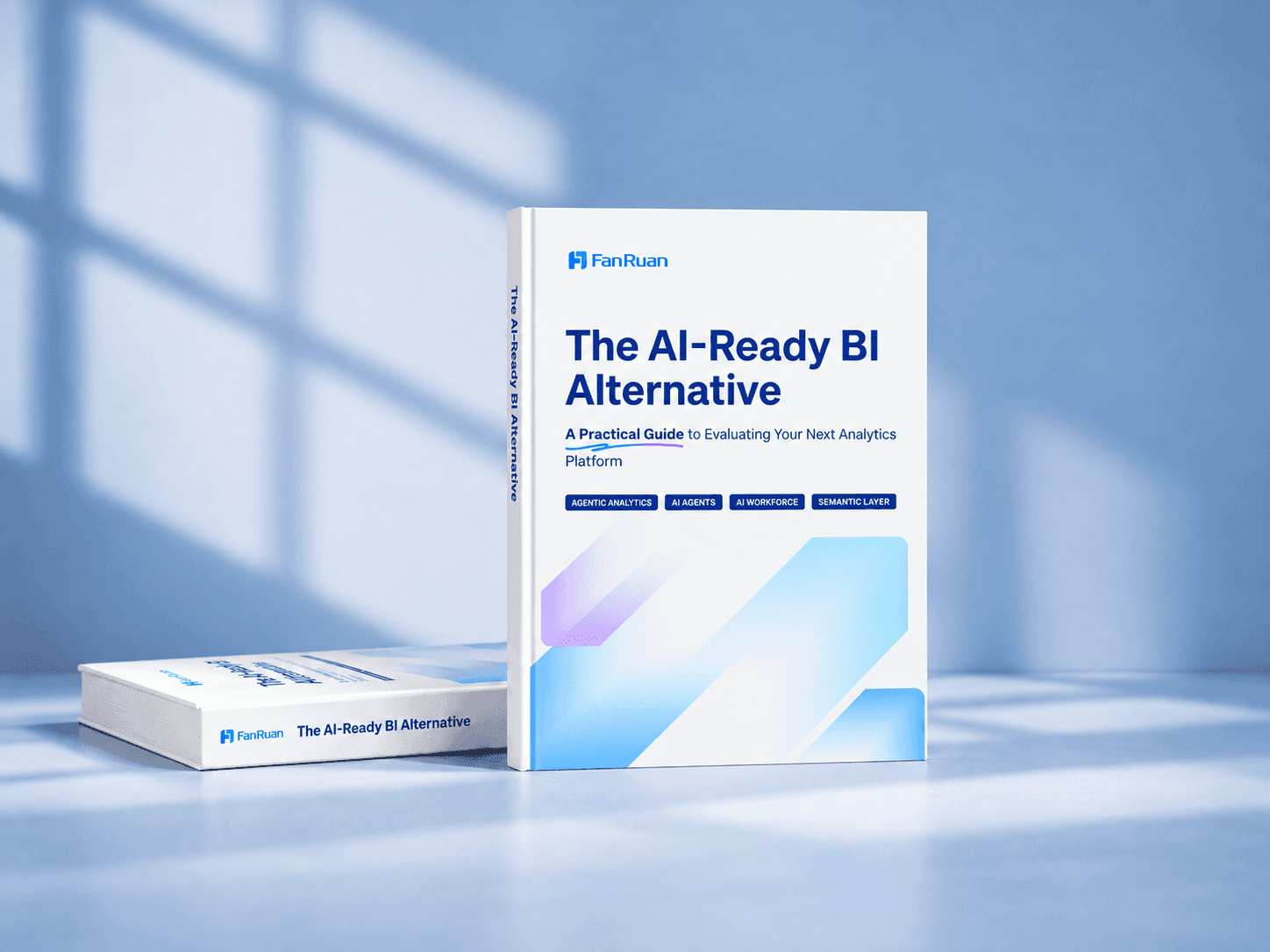
A practical guide for organizations evaluating whether their current BI platform is ready for the next stage of enterprise analytics and AI. It goes beyond feature comparisons to examine the broader analytics operating model, including governance, trusted metrics, self-service adoption, data connectivity, total cost, migration readiness, and AI capabilities.
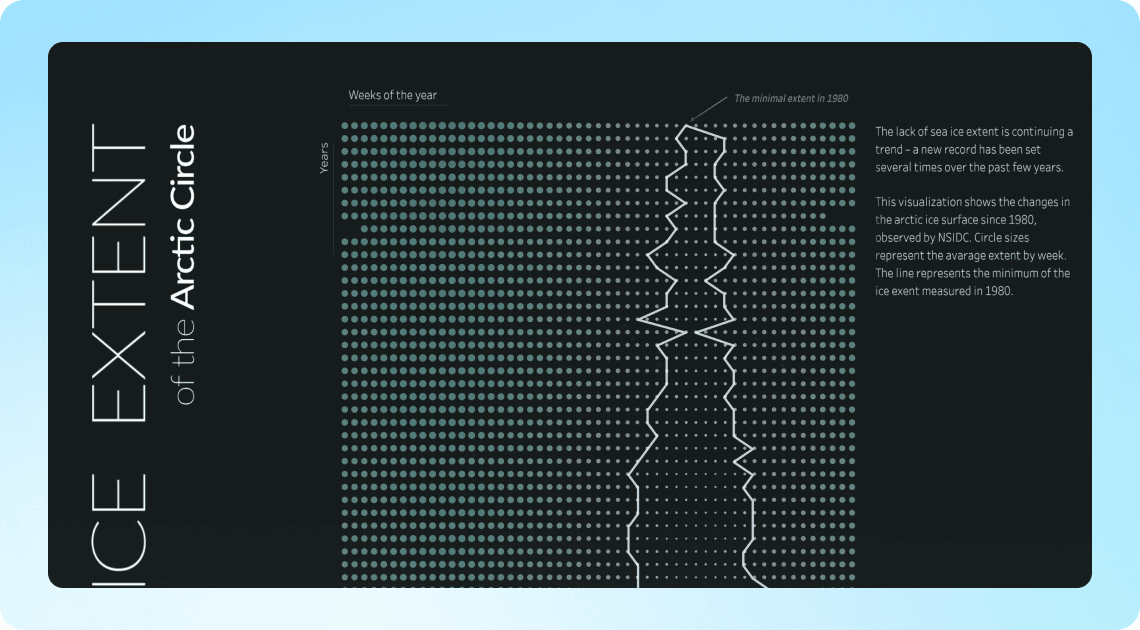
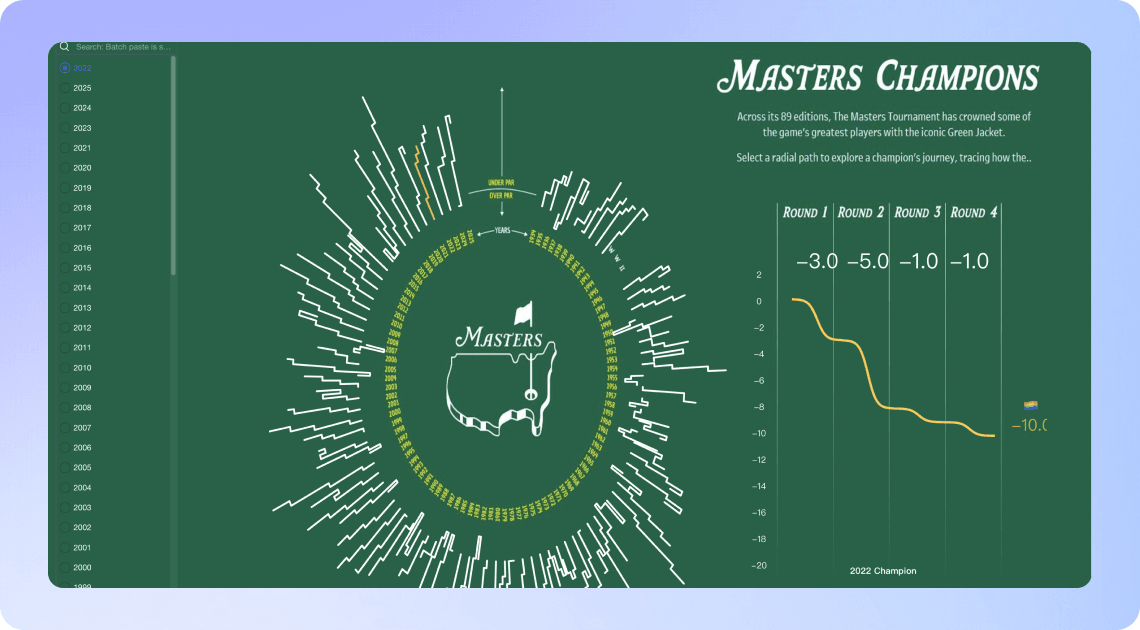
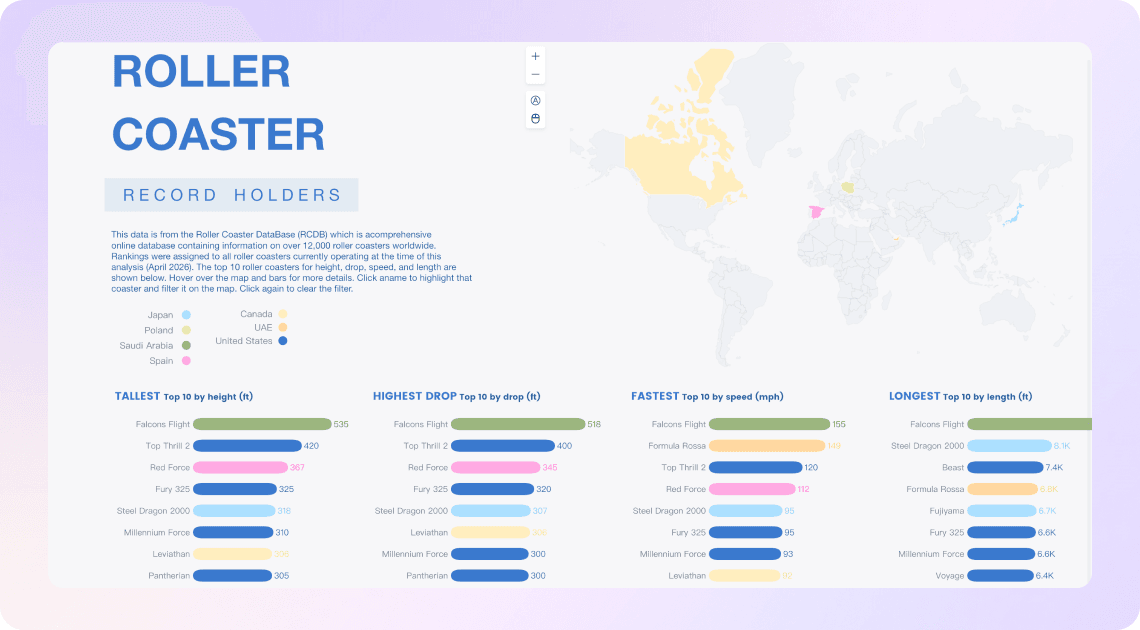
From interactive dashboards to advanced charts, explore how FineBI brings familiar Tableau visualizations to life. Discover ready-to-use examples and see what's possible with FineBI.
Implementing your product significantly streamlined our BI workflows — teams stopped spending time on manual data preparation and finally focused on real analytics and business value.

Alexander Snytko
Head of BI of Data Office | T2
FineBI has enabled us to significantly expand self-service analytics. Business teams now develop reports independently, reducing the workload and backlog for our central team and freeing our engineers to focus on larger initiatives.

Alexander Nugaev
Head of Analytics and BI | Moscow Exchange Group
In our assessment, FineBI was the most competitive option and covered most of our needs. We conducted a thorough market analysis, and FineBI was the solution we liked most.

Alfa Leasing
Head of BI | Ilya Lavrikov
FineBI is a strong fit for organizations that want to expand analytics beyond expert dashboard creators. Tableau is powerful for advanced visualization and specialist analysis, but many teams find it harder to scale self-service analytics across business departments. FineBI helps business users explore governed data, build repeatable analysis, and share insights with less reliance on analysts or IT.